

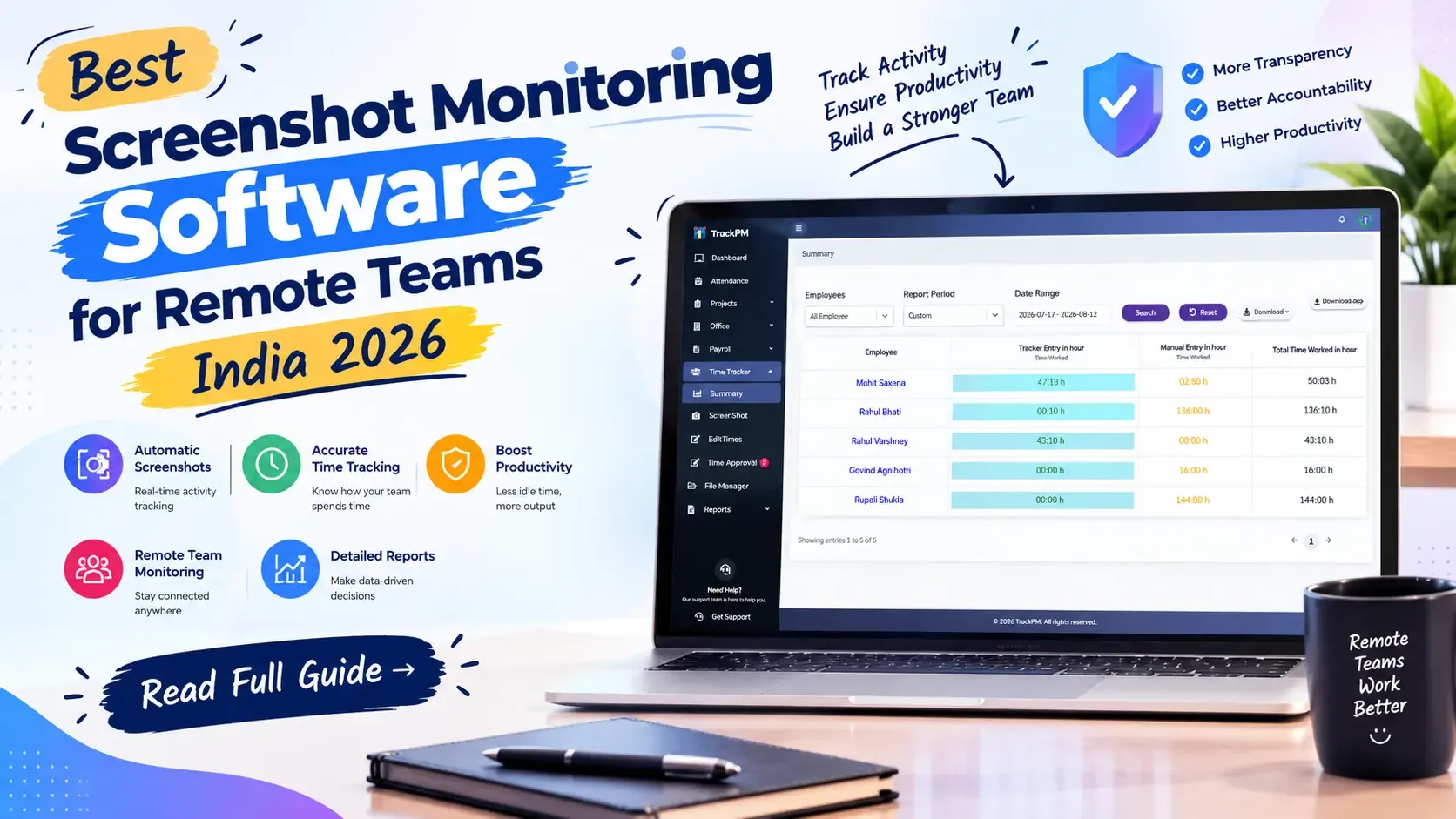
Screenshot monitoring software captures periodic screenshots of employees' screens during working hours, giving managers visibility into how remote team members spend their time. For Indian IT companies managing distributed teams — developers in Bengaluru, designers in Pune, QA engineers in Hyderabad — it provides the one thing that office attendance never did: evidence of actual work activity, not just presence.
In 2026, screenshot monitoring in India sits at an intersection of three forces: the growing need for remote team visibility, the requirements of the Digital Personal Data Protection Act 2023 (DPDPA), and the shift in Indian IT teams toward tools built specifically for Indian workforce norms rather than adapted from Western software.
This guide covers how screenshot monitoring works, the legal requirements under DPDPA 2023, best practices for deployment, what differentiates screenshot monitoring tools in 2026, and the specific features Indian IT companies should look for.
How Screenshot Monitoring Software Works
Screenshot monitoring tools periodically capture an image of an employee's screen during designated working hours. The capture interval is typically configurable — every 5 minutes, every 10 minutes, or at random intervals within each 10-minute window to prevent gaming. The screenshots are uploaded to the monitoring platform, where managers can view them in a time-ordered grid for each employee.
Most tools combine screenshot capture with additional activity signals:
- Active vs idle time detection. The software monitors mouse movement and keyboard activity. Periods with no mouse or keyboard input are flagged as idle time and excluded from active working time. This prevents an employee from leaving their computer logged in while not working and still appearing as "active."
- Application and website tracking. Some tools record which applications were in focus during each screenshot interval — whether the employee was in VS Code, Chrome, Figma, Slack, or a personal website. This gives managers a productivity breakdown by application category.
- Task-level time attribution. The most useful implementation for Indian IT companies combines screenshot monitoring with task management — so each screenshot is tagged with the task the employee was working on at the time of capture. Managers can then see not just what was on the screen but which sprint ticket it was part of.
DPDPA 2023 — What Indian Companies Must Do Before Deploying Screenshot Monitoring
The Digital Personal Data Protection Act 2023 and the DPDP Rules 2025 create specific obligations for Indian companies that monitor employee devices and activity. Screenshot monitoring captures personal data — an image of an employee's screen may contain personal information, health data, financial information, or communications.
What Indian companies must do before deploying screenshot monitoring:
- Notice and transparency. Employees must be clearly informed that their screens will be monitored, what will be captured, how frequently, during which hours, and for how long the data will be retained. This notice must be in clear, plain language — not buried in an employment contract appendix.
- Purpose limitation. The monitoring must be for a legitimate business purpose — typically productivity measurement, client billing verification, or security monitoring. The screenshots cannot be used for any purpose beyond the stated one.
- Data minimisation. Capture only what is necessary for the stated purpose. If you need to verify that remote developers are working during contracted hours, a screenshot every 10 minutes during work hours is appropriate. Screenshots during lunch breaks or outside stated working hours are not.
- Data security. Screenshots contain potentially sensitive information. They must be stored with encryption at rest and in transit. Access must be restricted to managers with a legitimate need to review — not organisation-wide.
- Employee access rights. Under DPDPA, employees have the right to access their own personal data. This means employees should be able to see the screenshots taken of their own screens. Check that any tool you choose gives employees this view of their own data.
- Retention and deletion. Define how long screenshots are retained — typically 30–90 days for most purposes. Screenshots beyond the retention period must be deleted. Document the retention policy and apply it consistently.
How to Deploy Screenshot Monitoring Without Damaging Team Trust
Screenshot monitoring, if deployed correctly, is a neutral productivity tool. If deployed without communication, it creates significant team trust damage — particularly in Indian IT companies where developers often have multiple job options and retention is a real concern.
The communication approach that works:
- Announce monitoring openly before deploying it, not after. Explain the reason — typically client billing accuracy, remote work visibility, or compliance with client contractual requirements. Explain exactly what is captured and what is not. Show employees their own monitoring dashboard so they can see what managers see.
- Make monitoring about team patterns, not individual surveillance. Use aggregate data — how many hours did the team spend in productive vs idle time this sprint — rather than drilling into individual screenshots unless there is a specific performance concern.
- Apply monitoring consistently across the team. If developers are monitored, managers and team leads should be subject to the same policy. Differential monitoring creates trust issues.
- Set clear monitoring hours — typically the agreed contracted working hours only. Do not monitor during lunch breaks, before or after working hours, or on approved leave days. Configure the software to enforce these limits automatically.
What Indian IT employees accept comfortably: monitoring during agreed working hours with employee-visible screenshots, applied consistently, for a clear and communicated purpose. What they do not accept: covert monitoring, monitoring outside working hours, or monitoring without explanation.
What to Look for in Screenshot Monitoring Software for Indian IT Teams
- Configurable capture intervals. A fixed 5-minute interval may be appropriate for some teams and excessive for others. Look for a tool that lets you set the interval yourself — 10 minutes is enough for most development work, 5 minutes suits billing-sensitive client work.
- Employee-visible screenshot dashboard. This is the DPDPA compliance requirement and the trust-building feature. Employees should be able to log in and see every screenshot taken of their own screen. Without it, monitoring feels covert — and employees can't check what their manager sees.
- Idle time exclusion and active time calculation. Screenshots taken during idle periods (no mouse or keyboard activity) should not count as productive working time. The tool should clearly separate active time from idle time and show managers the breakdown.
- A clear way to stop capture for personal tasks. Developers sometimes need to check personal email, banking or a health portal during the day. Employees should be able to stop monitoring before they do — for example, a tracker that only captures screenshots while it is running, so stopping it stops capture — rather than relying on managers to ignore what they see.
- Integration with task and project management. The most valuable implementation connects each screenshot to the task the employee was working on — so the screenshot evidence is contextualised within project work, not floating in a time-ordered grid with no project context.
- India-built, with India-ready pricing. Western screenshot monitoring tools (Hubstaff, Time Doctor, Teramind) are built for Western compliance frameworks. An India-built tool with DPDPA-specific features, pay-per-use pricing and the option to pay in INR is the better fit for Indian companies.
TrackPM's Screenshot Monitoring — Built for Indian IT Teams
TrackPM's time tracker includes screenshot monitoring built for Indian IT team workflows and DPDPA requirements.
Captured only while the tracker runs. Employees start the TrackPM desktop tracker on a project and task when they begin work and stop it when they finish. Screenshots are taken only while it is running, at an interval your admin sets for the company (every 5 minutes by default) — so there is no capture during breaks, after hours or on leave, and an employee can stop the tracker before a personal task.
Linked to the task. Every tracked session is logged against a project and task, and its screenshots are shown under that session — so managers see each screenshot in the context of the work it belongs to. The tracker also records which applications and websites were in use.
Idle time isn't counted. If there is no keyboard or mouse activity for about 7 minutes, the tracker warns the employee and stops itself after 60 seconds if there is no response — so idle time is never logged as work.
Transparent and access-controlled. Employees see every screenshot taken of their own screen; admins can review any employee's screenshots and time. Screenshots are stored on AWS, and your company sets how many days they are kept (30 by default) — older ones are deleted automatically.
For Indian IT companies managing remote teams across Bengaluru, Pune, Hyderabad, Delhi, and Chennai: TrackPM's screenshot monitoring provides the visibility needed for client billing accuracy and team productivity management, within the legal framework that DPDPA 2023 requires.
Frequently Asked Questions
Is screenshot monitoring software legal for Indian companies in 2026?
Screenshot monitoring may be used by Indian companies when implemented lawfully and transparently. Companies should inform employees about the data collected, the purpose of monitoring, retention practices, and applicable policies. Monitoring should be proportionate to a legitimate business purpose, such as productivity measurement, client billing, or security. Companies should assess their obligations under applicable Indian data protection and employment laws, including the Digital Personal Data Protection Act, 2023, and its applicable rules.
What are the best screenshot monitoring software options for Indian IT companies in 2026?
The best screenshot monitoring software depends on a company's team size, budget, monitoring requirements, and existing tools. TrackPM offers an integrated platform for businesses looking to manage employee time tracking and project workflows alongside their other business operations. Hubstaff and Time Doctor are established options for time tracking and workforce productivity monitoring, while Teramind focuses on more comprehensive employee monitoring and security capabilities. Compare features, pricing, integrations, privacy controls, and Indian payroll requirements before choosing a solution.
How often should screenshots be captured for remote team monitoring?
The appropriate screenshot capture interval depends on the monitoring purpose, employee privacy expectations, and data storage requirements. Some teams may use intervals of around 5 minutes for client billing verification, while intervals of around 10 minutes may be sufficient for general productivity visibility. More frequent capture may be appropriate for specific security needs, but should be justified and proportionate. Employers should disclose their screenshot capture policy to employees and configure monitoring according to applicable laws and business requirements.
Can employees see the screenshots taken of their own screens?
Employee access to screenshots depends on the software and its configuration. Businesses should check whether their chosen platform lets employees view their own monitoring records and clearly explain who can access screenshots, how long they are retained, and how employees can raise questions or concerns. Transparent access policies can help build trust and reduce concerns about covert monitoring.
How does screenshot monitoring connect to payroll in Indian IT companies?
When screenshot monitoring is integrated with time tracking and payroll workflows, time records can help managers review attendance, compare recorded work hours with expected hours, and verify billable time for client invoicing. Payroll calculations should use validated attendance and leave records in accordance with company policy and applicable law. Screenshot data alone should not automatically trigger salary deductions; discrepancies should be reviewed and clarified before payroll is processed. Integrated platforms can reduce manual exports and reconciliation compared with disconnected tools.
Conclusion
Get remote team visibility with screenshot monitoring your employees can see and trust.
Start Free Trial — No Credit Card Required · See TrackPM's Time Tracking with Screenshots