


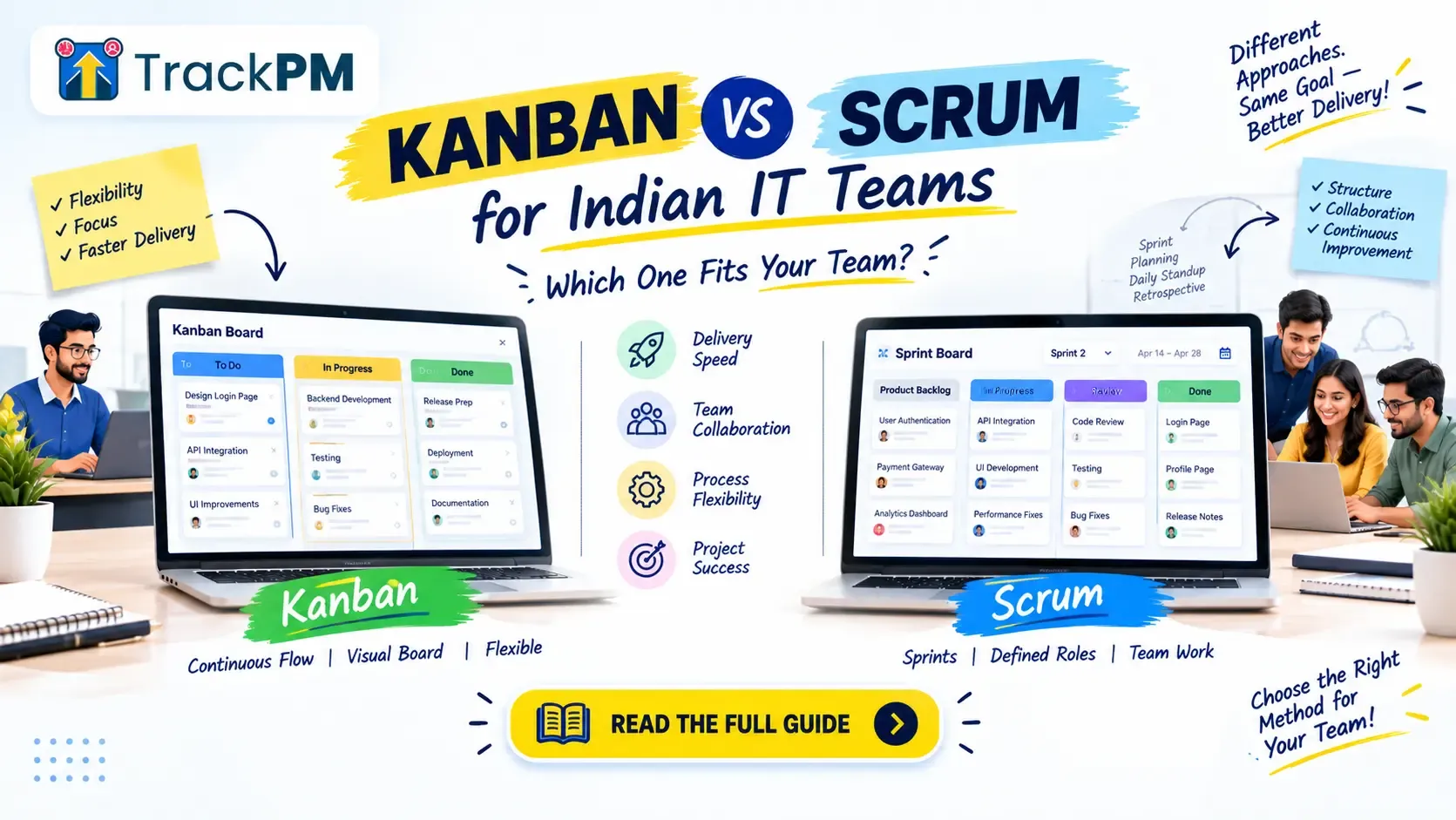
Every IT team that moves from WhatsApp updates and spreadsheets to a proper board hits the same question: Scrum or Kanban? The honest answer depends on the shape of your work, not on which one sounds more professional.
The short answer: use Scrum when you can plan one to two weeks ahead and want regular demos and reviews, which suits product work and fixed-scope client projects. Use Kanban when work arrives unpredictably or priorities change daily, which suits support, maintenance and time-and-material client work. Many teams use both.
Kanban vs Scrum at a Glance
| Scrum | Kanban | |
|---|---|---|
| Rhythm | Fixed-length sprints (one month or less; one or two weeks is common) | Continuous flow, no fixed iterations |
| Roles | Product Owner, Scrum Master, Developers | None prescribed |
| Meetings | Sprint planning, daily scrum, sprint review, retrospective | None prescribed; teams add what they need |
| Changing priorities | Sprint goal stays fixed; scope is renegotiated with the Product Owner | Priorities can change at any time |
| Limits | Capacity per sprint | Work-in-progress (WIP) limits per column |
| Common metrics | Velocity, sprint completion | Cycle time, throughput, WIP |
| Best for | Planned product or project work | Interrupt-driven or fast-changing work |
How Scrum Works
Work happens in sprints, each lasting one month or less. Most teams choose one or two weeks. At the start, the team agrees a sprint goal and picks items from the backlog.
Scrum defines three roles. The Product Owner decides what gets built and in what order. The Scrum Master helps the team follow Scrum and removes obstacles. The Developers are everyone who builds the product, including testers and designers.
Four events structure each sprint: sprint planning, the daily scrum (15 minutes), the sprint review, where the work is shown, and the retrospective, where the team decides what to improve.
For a step-by-step setup, see our Scrum board setup guide for Indian IT teams.
How Kanban Works
Kanban starts with a board. Columns show the stages of your work, such as To Do, In Progress, In Review and Done. Every task is a card.
The core rule is the WIP limit: each column can hold only a set number of cards. When a column is full, nobody starts something new. They help finish what is already there. The team pulls the next card only when there is capacity.
There are no sprints, so a new top-priority item can jump the queue at any time. Teams measure how long a card takes from start to finish (cycle time) and how many they finish per week (throughput).
Which Fits Which Kind of IT Work
| Type of work | Better fit | Why |
|---|---|---|
| Building a product on a roadmap | Scrum | Planned increments and regular reviews with stakeholders |
| Fixed-scope client project with milestones | Scrum | Sprint reviews give the client regular demos and checkpoints |
| Client work billed by time, with shifting priorities | Kanban or Scrumban | Changes do not break a sprint commitment |
| Support, bug queues, maintenance, DevOps | Kanban | Work arrives unpredictably, so fixed sprints keep breaking |
| A team of two to four with mixed work | Kanban | Less ceremony for a small team |
Six Common Mistakes
- Running Scrum without a real Product Owner. If the founder, the client and the team lead all add items to the sprint, nobody owns priority.
- Letting client requests into a running sprint with no trade-off. A good rule: if something new comes in, something of equal size goes out, or the request waits for the next sprint. Genuine production emergencies are the exception.
- Running Kanban without WIP limits. Without them, everything sits in "In Progress" and the board is just a to-do list.
- Calling it Scrum but skipping reviews and retrospectives. You keep the deadlines and lose the learning.
- Forcing sprints onto interrupt-driven work. If more than half your week is support tickets, a sprint plan will fail every time.
- Insisting on a live daily meeting when it does not fit. If client calls or locations make it hard, replace it with a short written update each morning.
Scrumban: A Practical Middle Path
Scrumban combines sprint planning with Kanban's WIP limits and flow metrics. It suits a team with planned feature work and a steady stream of interrupts. A simple setup is to plan sprints as usual and reserve a fixed share of capacity, say 20%, for support and bugs.
A Five-Question Decision Guide
- Can you plan one to two weeks ahead with reasonable confidence? Yes: Scrum.
- Do priorities change daily? Yes: Kanban.
- Is there one person who can decide priority? No: fix that first, and start with Kanban.
- Does the client want regular demos and sign-offs? Yes: Scrum.
- Is more than half of your work interrupts, such as support and bugs? Yes: Kanban.
If three or more answers point to Scrum, start with Scrum. If most point to Kanban, start with Kanban. If it is split, try Scrumban.
Try It for Four Weeks
Pick one project and commit to your choice for four weeks, either two two-week sprints or four weeks of Kanban. Then compare. For Scrum, check what share of sprint items you finished. For Kanban, check your average cycle time and whether WIP limits were respected. Keep what worked and change one thing.
Running Both in TrackPM
TrackPM has both a Kanban board and a Scrum board, so you can run Scrum on a product team and Kanban on a support team, or different methods on different projects, in one tool.
Frequently Asked Questions
Which is better for a small Indian IT startup, Kanban or Scrum?
Neither is better in general. If your work is planned in advance and you want regular demos, start with Scrum. If priorities change daily or most work is support, start with Kanban. A team of two to four people often does well with Kanban because it needs less ceremony.
Can a team use both Kanban and Scrum?
Yes. Some companies run Scrum for product teams and Kanban for support teams. Others use Scrumban, which adds WIP limits and flow metrics to a sprint cadence.
How long should a sprint be?
The Scrum Guide sets a maximum of one month. One or two weeks is most common. Shorter sprints give faster feedback but add planning overhead.
Does Kanban need roles and meetings?
Kanban does not prescribe any. Most teams still hold a short daily check-in and a regular review of the board, so blockers do not sit unnoticed.
Which is better for client service projects?
It depends on the contract. A fixed-scope project with milestones suits Scrum because sprint reviews act as client checkpoints. Time-and-material work with shifting priorities suits Kanban or Scrumban.