

Best Secure File Management Software for Indian IT Companies in 2026
Indian IT companies outgrow Google Drive and Dropbox fast — no employee-directory sync, no project-level access control, and no DPDPA-ready audit trail. This 2026 guide covers DPDPA 2023 file storage requirements, what to look for in file management software, and compares TrackPM, Zoho WorkDrive, SharePoint, and Google Workspace.
By Veenu Singh, Founder & CEO, TrackPM · Last updated: September 2026 · 8 min read
File management software is a digital system for storing, organising, sharing, and controlling access to company documents and files. For Indian IT companies, it replaces the combination of WhatsApp file sharing, personal Google Drive accounts, email attachments, and shared folders that most small teams start with — and outgrow very quickly.
In 2026, two factors have made choosing the right file management solution more urgent for Indian IT companies than ever before.
First, the Indian document management software market is growing rapidly. The DMS market in India is projected to exceed ₹2,500 crore by end of 2026 — with over 80% of medium and large Indian companies already making the shift to digital document workflows, driven by efficiency, data security, and compliance requirements.
Second, India's Digital Personal Data Protection Act 2023 (DPDPA) — which came into force in phases beginning November 2025, with full compliance mandated by May 13, 2027 — places new obligations on how Indian companies store, access, and protect digital files containing personal data. For IT companies that store employee records, client data, project documentation, and financial files, the DPDPA is not optional background noise. It is a compliance timeline with real consequences.
This guide covers what to look for in file management software for Indian IT companies in 2026, how DPDPA compliance factors into the decision, a comparison of top options, and how TrackPM's file management module fits the needs of an IT startup or growing team.
Why Indian IT Companies Outgrow Google Drive and Dropbox
Google Drive and Dropbox are excellent consumer-grade tools. They are fast, familiar, and free up to a point. But Indian IT companies consistently hit the same four walls when they try to use them as their primary business file management system:
No connection to your employee directory. When a developer joins your team, someone needs to manually add them to every shared folder. When they leave, someone needs to manually remove them from every folder — ideally before their last working day. In practice, this almost never happens cleanly. Former employees retain access to shared folders for weeks or months. IT companies handling client data face real security and contractual risk from this gap.
No project-level access control. Google Drive organises by folder. It has no concept of "this file is part of Project X and should only be visible to Project X's team." Access is managed per folder per person — which becomes unmanageable once you have more than 10 people working across more than 5 concurrent projects.
USD billing with no India-specific compliance. Google Workspace is priced at ₹125–₹750 per user per month (converted from USD at current rates, subject to exchange rate fluctuations). More importantly, Google's data processing terms and server location policies are designed for global compliance — not specifically for DPDPA, which has specific data localisation and processing requirements for Indian citizens' personal data.
No version history tied to project context. Google Drive has version history for Docs and Sheets, but not consistently for all file types. For client deliverables — PSDs, code archives, PDF reports — version control is manual and informal. When a client disputes which version was delivered on which date, there is no reliable audit trail.
DPDPA 2023 — What Indian IT Companies Must Do for File Storage Compliance
The Digital Personal Data Protection Act 2023 and the DPDP Rules 2025 (notified in early 2025, full compliance by May 13, 2027) create specific obligations for how Indian companies store and manage files containing personal data.
What counts as personal data in IT company files: Employee records (name, address, Aadhaar, PAN, bank account), salary slips and payroll data, client contact information, background verification documents, medical records in insurance-related files, and any file where an individual can be identified.
Key DPDPA requirements that affect file management:
- Access control and purpose limitation: Only employees who need access to personal data for a legitimate business purpose should have it. Your file management system must enforce role-based access — not "anyone with the link can view."
- Audit trails: The DPDPA requires organisations to be able to demonstrate who accessed what data and when. Your file management system must log file access — who opened, downloaded, shared, or modified each file containing personal data.
- Data retention and deletion: Personal data must not be retained longer than necessary for the purpose it was collected. Your file management system must support scheduled deletion or archival of personal data files when the retention period expires.
- Security safeguards: The DPDPA requires "reasonable security safeguards" — encryption in transit and at rest, secure access controls, and protection against unauthorised access. A shared Google Drive folder with a link anyone can access is not a reasonable security safeguard under DPDPA.
- Vendor accountability: If you use a cloud file storage service, you are responsible for ensuring that vendor also complies with DPDPA. AWS (the infrastructure TrackPM uses) has published its DPDPA compliance posture and India-region data handling policies — relevant for Indian IT companies evaluating file storage vendors.
What to Look for in File Management Software for Indian IT Companies
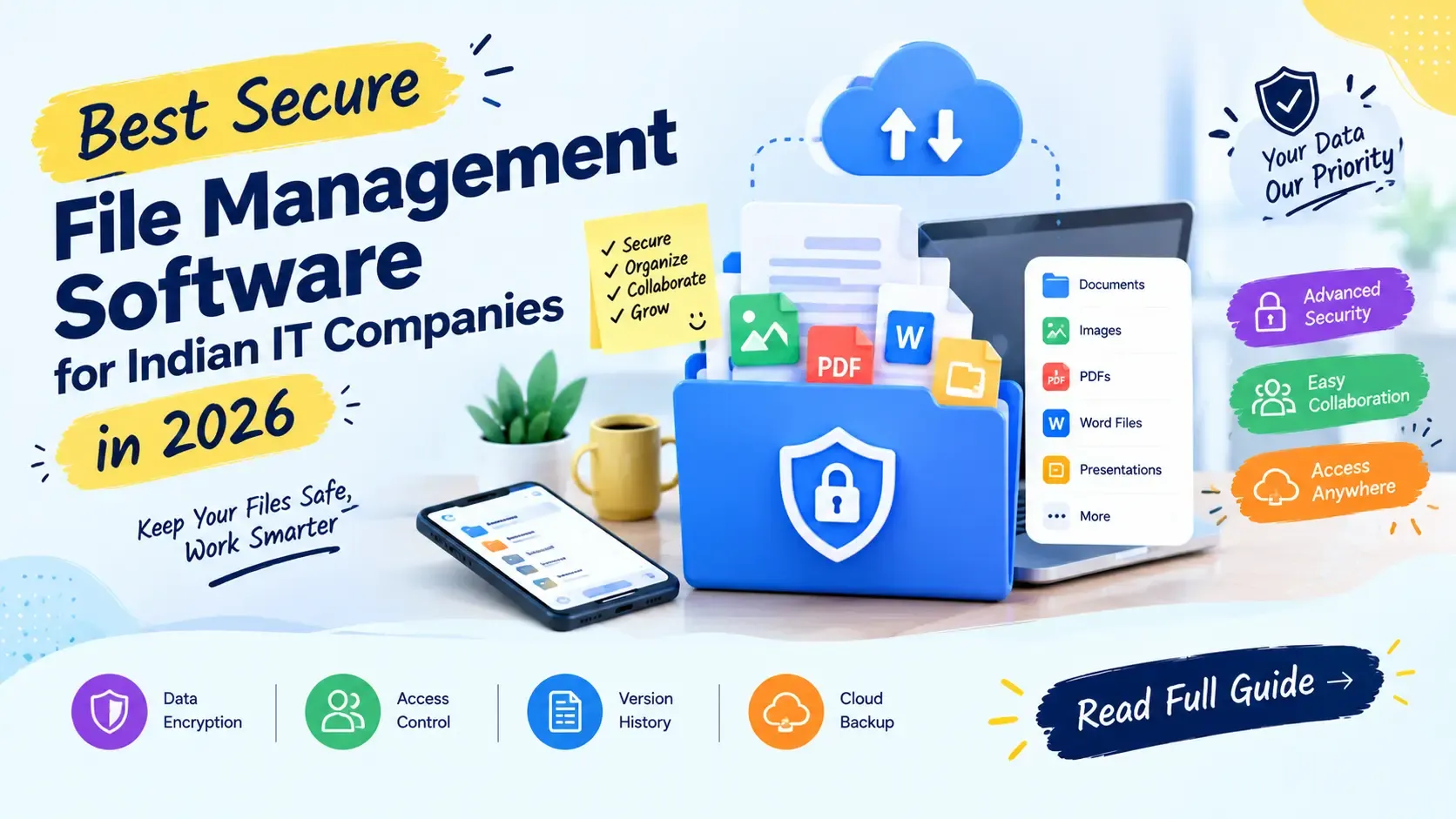
- Role-based access controls (RBAC): Administrators should be able to set who can view, upload, download, or share files — at the folder level and the file level. Access should be tied to your employee directory so that when a team member's account is deactivated, their file access is revoked automatically.
- Encryption in transit and at rest: All files should be encrypted using AES-256 or equivalent when stored on the server and during transfer. This is a DPDPA requirement and a basic security standard.
- Version history for all file types: Not just Google Docs — PDFs, images, design files, code archives, and every other file type your team works with. Version history should show who uploaded each version, when, and from which device or IP.
- Audit logs: Every file access event — view, download, share, delete — should be logged with timestamp, user identity, and action. Audit logs should be immutable and exportable for compliance purposes.
- Project-level organisation: Files should be organically connected to projects, clients, or departments — not floating in a generic folder structure. When a project is completed and archived, its files should move with it.
- India-based or compliant cloud infrastructure: AWS India (ap-south-1 Mumbai region), Azure India Central, or Google Cloud Mumbai are the preferred infrastructure choices for DPDPA-sensitive data. Verify where your file management vendor actually stores data.
- Integration with your team's workflow: File management should be connected to your project management tool — so files attached to tasks in Kanban or Scrum boards are stored in the same system, not in a separate folder structure that quickly loses context.
Top File Management Options for Indian IT Companies in 2026
TrackPM File Manager — Best for IT teams needing project-integrated file storage
TrackPM's file management module stores all company files on AWS infrastructure (encrypted in transit and at rest), with role-based access controls tied directly to the team and project structure. Files can be attached to specific projects, tasks, and employee records — not just stored in generic folders. Access is controlled at the project level: when a developer is removed from a project in TrackPM's system, their file access to that project's folder is automatically updated.Version history is maintained for all file types. Audit logs record every access event. For Indian IT companies that also need project management, time tracking, and HR in the same platform, TrackPM's file manager eliminates the need for a separate file storage subscription.
Best for: Indian IT startups and companies with 5–150 employees needing project-integrated file management alongside HR and PM tools. Infrastructure: AWS. Pricing: INR, Use and Pay model.
Zoho WorkDrive — Best for teams already in the Zoho ecosystem
Zoho WorkDrive is a cloud document management platform with team folders, granular access controls, real-time collaboration, and deep integration with Zoho CRM, Zoho Projects, and Zoho Mail. It is India-founded (Chennai), DPDPA-aware, and priced in INR. The most practical choice for companies already using other Zoho products who want document management tightly integrated with their CRM or project tools.Best for: Companies already using Zoho CRM or Zoho Projects. Pricing: ₹180–₹540 per user per month.
Microsoft SharePoint / OneDrive for Business — Best for large teams needing enterprise features
SharePoint offers enterprise-grade document management with version control, approval workflows, metadata tagging, and deep integration with Microsoft 365 (Teams, Outlook, Excel). Complex to set up and administer, but powerful for large teams with dedicated IT administrators. Priced in USD — relevant cost consideration for Indian companies.Best for: Companies with 100+ employees already on Microsoft 365 with dedicated IT administrators. Pricing: Included in Microsoft 365 Business plans (₹650–₹1,300 per user per month).
Google Drive / Google Workspace — Best for small teams prioritising collaboration speed
Google Workspace remains the fastest tool for real-time document collaboration (Docs, Sheets, Slides). For small Indian IT teams of 5–15 people where everyone knows each other and access management is simple, Google Drive's speed and familiarity often outweigh its compliance limitations. The compliance gaps become material as the team grows past 20 people or takes on clients with data security requirements.Best for: Teams under 15 people prioritising collaboration speed over granular access control. Pricing: ₹125–₹750 per user per month.
Frequently Asked Questions
What is the best secure file management software for Indian IT companies in 2026?
For Indian IT companies needing project-integrated file storage with DPDPA-appropriate controls, TrackPM and Zoho WorkDrive are the most India-aligned options. TrackPM connects file storage directly to project management, time tracking, and HR — eliminating a separate subscription. Zoho WorkDrive is better for teams in the Zoho ecosystem. For large enterprises with Microsoft 365 already deployed, SharePoint offers the deepest enterprise document management features. The right choice depends on team size, existing tool stack, and whether file management is needed standalone or integrated with project and HR tools.Does Indian file management software need to comply with DPDPA 2023?
Yes. Any software storing files that contain personal data of Indian citizens must comply with the DPDPA 2023 and the DPDP Rules 2025, with full compliance mandated by May 13, 2027. Key requirements affecting file management: role-based access control, audit logs of file access, encryption in transit and at rest, data retention and deletion policies, and accountability for cloud storage vendors. IT companies should verify that their file management vendor has documented their DPDPA compliance posture and India-region data handling policies.Is Google Drive DPDPA compliant for Indian IT companies?
Google Workspace has published compliance documentation for GDPR and other global frameworks, and Google has India-region data centres. However, DPDPA compliance is organisation-level — it is the Indian company's responsibility to configure access controls, audit logging, retention policies, and vendor agreements appropriately. Google Workspace used with proper configuration (restricted sharing, no public links for personal data files, admin-managed access) can support a DPDPA compliance posture. The compliance gap is most often in how organisations actually configure and use Drive — not the underlying platform.What file types does TrackPM's file manager support?
TrackPM's file management module supports all file types — PDFs, Word documents, Excel spreadsheets, PowerPoint presentations, image files (PNG, JPG, PSD), design files (Figma exports, AI, SVG), video files, compressed archives (ZIP, RAR), and code documentation files. There is no file type restriction. Files are stored on AWS infrastructure with encryption in transit and at rest, and version history is maintained for all uploads.How much storage does TrackPM include?
TrackPM's file management storage scales with your plan under the Use and Pay model. Indian IT companies start with the storage included in their plan and can expand as their document volume grows — without jumping to a fixed higher-priced tier. This is more cost-efficient for growing teams than fixed-tier pricing models, where you pay for the next storage bracket even if you only slightly exceed your current limit.Conclusion
The right file management software for an Indian IT company in 2026 isn't just about storage — it's about access that automatically follows your team and project structure, and an audit trail that holds up under DPDPA scrutiny. TrackPM's file management module keeps files tied to the projects and people they belong to, so access control stays accurate as your team grows and changes.