

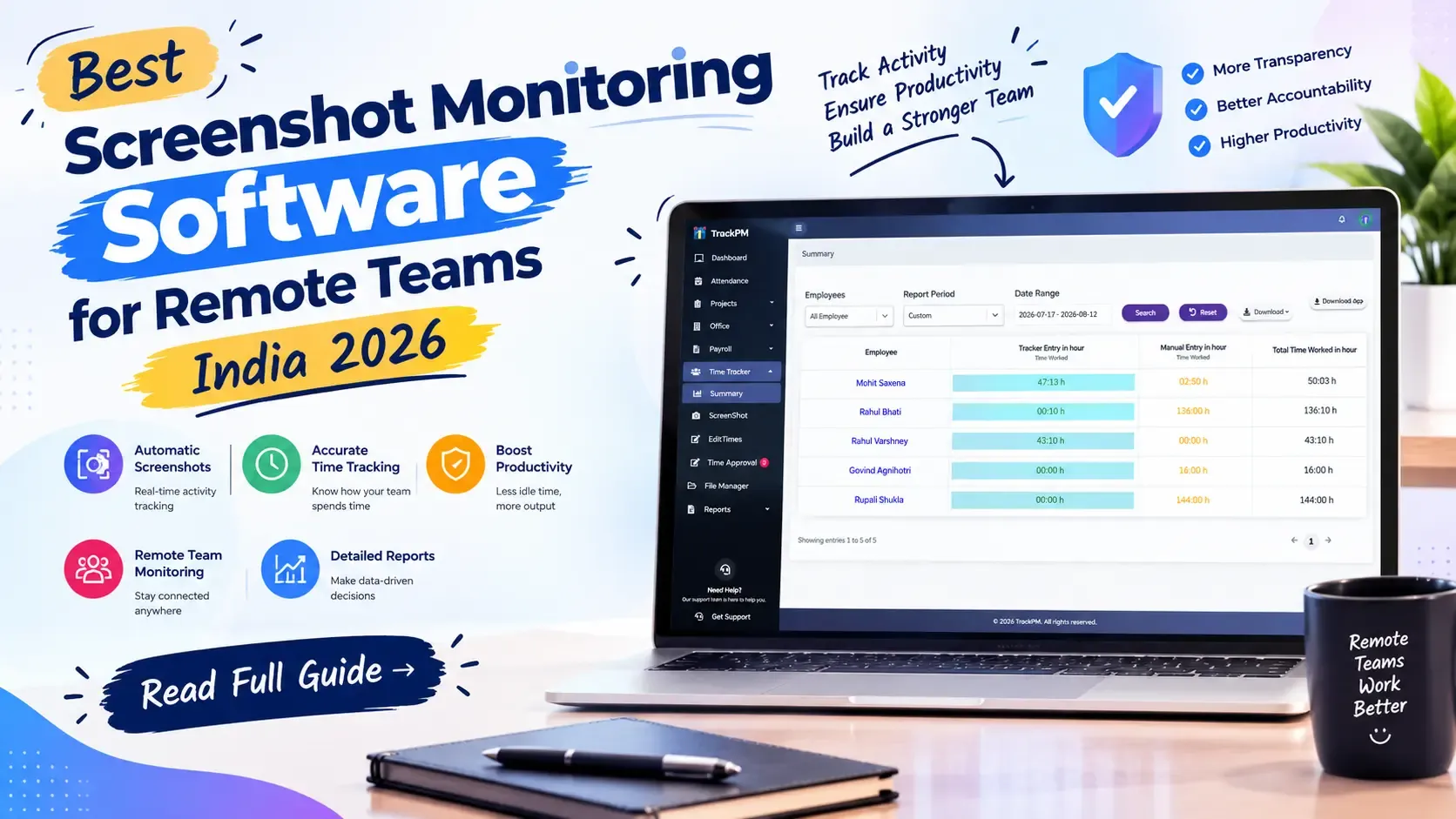
Screenshot monitoring software captures periodic screenshots of employees' screens during working hours, giving managers visibility into how remote team members spend their time. For Indian IT companies managing distributed teams — developers in Bengaluru, designers in Pune, QA engineers in Hyderabad — it provides the one thing that office attendance never did: evidence of actual work activity, not just presence.
In 2026, screenshot monitoring in India sits at an intersection of three forces: the growing need for remote team visibility, the requirements of the Digital Personal Data Protection Act 2023 (DPDPA), and the shift in Indian IT teams toward tools built specifically for Indian workforce norms rather than adapted from Western software.
This guide covers how screenshot monitoring works, the legal requirements under DPDPA 2023, best practices for deployment, what differentiates screenshot monitoring tools in 2026, and the specific features Indian IT companies should look for.
How Screenshot Monitoring Software Works
Screenshot monitoring tools periodically capture an image of an employee's screen during designated working hours. The capture interval is typically configurable — every 5 minutes, every 10 minutes, or at random intervals within each 10-minute window to prevent gaming. The screenshots are uploaded to the monitoring platform, where managers can view them in a time-ordered grid for each employee.
Most tools combine screenshot capture with additional activity signals:
- Active vs idle time detection. The software monitors mouse movement and keyboard activity. Periods with no mouse or keyboard input are flagged as idle time and excluded from active working time. This prevents an employee from leaving their computer logged in while not working and still appearing as "active."
- Application and website tracking. Some tools record which applications were in focus during each screenshot interval — whether the employee was in VS Code, Chrome, Figma, Slack, or a personal website. This gives managers a productivity breakdown by application category.
- Task-level time attribution. The most useful implementation for Indian IT companies combines screenshot monitoring with task management — so each screenshot is tagged with the task the employee was working on at the time of capture. Managers can then see not just what was on the screen but which sprint ticket it was part of.
DPDPA 2023 — What Indian Companies Must Do Before Deploying Screenshot Monitoring
The Digital Personal Data Protection Act 2023 and the DPDP Rules 2025 create specific obligations for Indian companies that monitor employee devices and activity. Screenshot monitoring captures personal data — an image of an employee's screen may contain personal information, health data, financial information, or communications.
What Indian companies must do before deploying screenshot monitoring:
- Notice and transparency. Employees must be clearly informed that their screens will be monitored, what will be captured, how frequently, during which hours, and for how long the data will be retained. This notice must be in clear, plain language — not buried in an employment contract appendix.
- Purpose limitation. The monitoring must be for a legitimate business purpose — typically productivity measurement, client billing verification, or security monitoring. The screenshots cannot be used for any purpose beyond the stated one.
- Data minimisation. Capture only what is necessary for the stated purpose. If you need to verify that remote developers are working during contracted hours, a screenshot every 10 minutes during work hours is appropriate. Screenshots during lunch breaks or outside stated working hours are not.
- Data security. Screenshots contain potentially sensitive information. They must be stored with encryption at rest and in transit. Access must be restricted to managers with a legitimate need to review — not organisation-wide.
- Employee access rights. Under DPDPA, employees have the right to access their own personal data. This means employees should be able to see the screenshots taken of their own screens. Most Indian-built monitoring tools provide this employee-facing view — Western tools often do not, which creates compliance risk.
- Retention and deletion. Define how long screenshots are retained — typically 30–90 days for most purposes. Screenshots beyond the retention period must be deleted. Document the retention policy and apply it consistently.
How to Deploy Screenshot Monitoring Without Damaging Team Trust
Screenshot monitoring, if deployed correctly, is a neutral productivity tool. If deployed without communication, it creates significant team trust damage — particularly in Indian IT companies where developers often have multiple job options and retention is a real concern.
The communication approach that works:
- Announce monitoring openly before deploying it, not after. Explain the reason — typically client billing accuracy, remote work visibility, or compliance with client contractual requirements. Explain exactly what is captured and what is not. Show employees their own monitoring dashboard so they can see what managers see.
- Make monitoring about team patterns, not individual surveillance. Use aggregate data — how many hours did the team spend in productive vs idle time this sprint — rather than drilling into individual screenshots unless there is a specific performance concern.
- Apply monitoring consistently across the team. If developers are monitored, managers and team leads should be subject to the same policy. Differential monitoring creates trust issues.
- Set clear monitoring hours — typically the agreed contracted working hours only. Do not monitor during lunch breaks, before or after working hours, or on approved leave days. Configure the software to enforce these limits automatically.
What Indian IT employees accept comfortably: monitoring during agreed working hours with employee-visible screenshots, applied consistently, for a clear and communicated purpose. What they do not accept: covert monitoring, monitoring outside working hours, or monitoring without explanation.
What to Look for in Screenshot Monitoring Software for Indian IT Teams
- Configurable capture intervals. A fixed 5-minute interval may be appropriate for some teams and excessive for others. Look for a tool that lets you set the interval by team or project — 10-minute intervals for development teams, 5-minute for billing-sensitive client work.
- Employee-visible screenshot dashboard. This is the DPDPA compliance requirement and the trust-building feature. Employees should be able to log in and see every screenshot taken of their own screen. This is standard in India-built tools and inconsistent in Western platforms.
- Idle time exclusion and active time calculation. Screenshots taken during idle periods (no mouse or keyboard activity) should not count as productive working time. The tool should clearly separate active time from idle time and show managers the breakdown.
- Blur or privacy mode for personal windows. Developers often have personal browser tabs open while working — personal email, banking, health portals. A responsible monitoring tool allows employees to pause monitoring for a defined period (typically 5–10 minutes) for personal tasks, or allows privacy mode that blurs personal windows before capture.
- Integration with task and project management. The most valuable implementation connects each screenshot to the task the employee was working on — so the screenshot evidence is contextualised within project work, not floating in a time-ordered grid with no project context.
- India-built with INR pricing. Western screenshot monitoring tools (Hubstaff, Time Doctor, Teramind) are priced in USD and built for Western compliance frameworks. An India-built tool with INR pricing and DPDPA-specific features is the appropriate choice for Indian companies.
TrackPM's Screenshot Monitoring — Built for Indian IT Teams
TrackPM's time tracker includes screenshot monitoring designed specifically for Indian IT team workflows and DPDPA requirements.
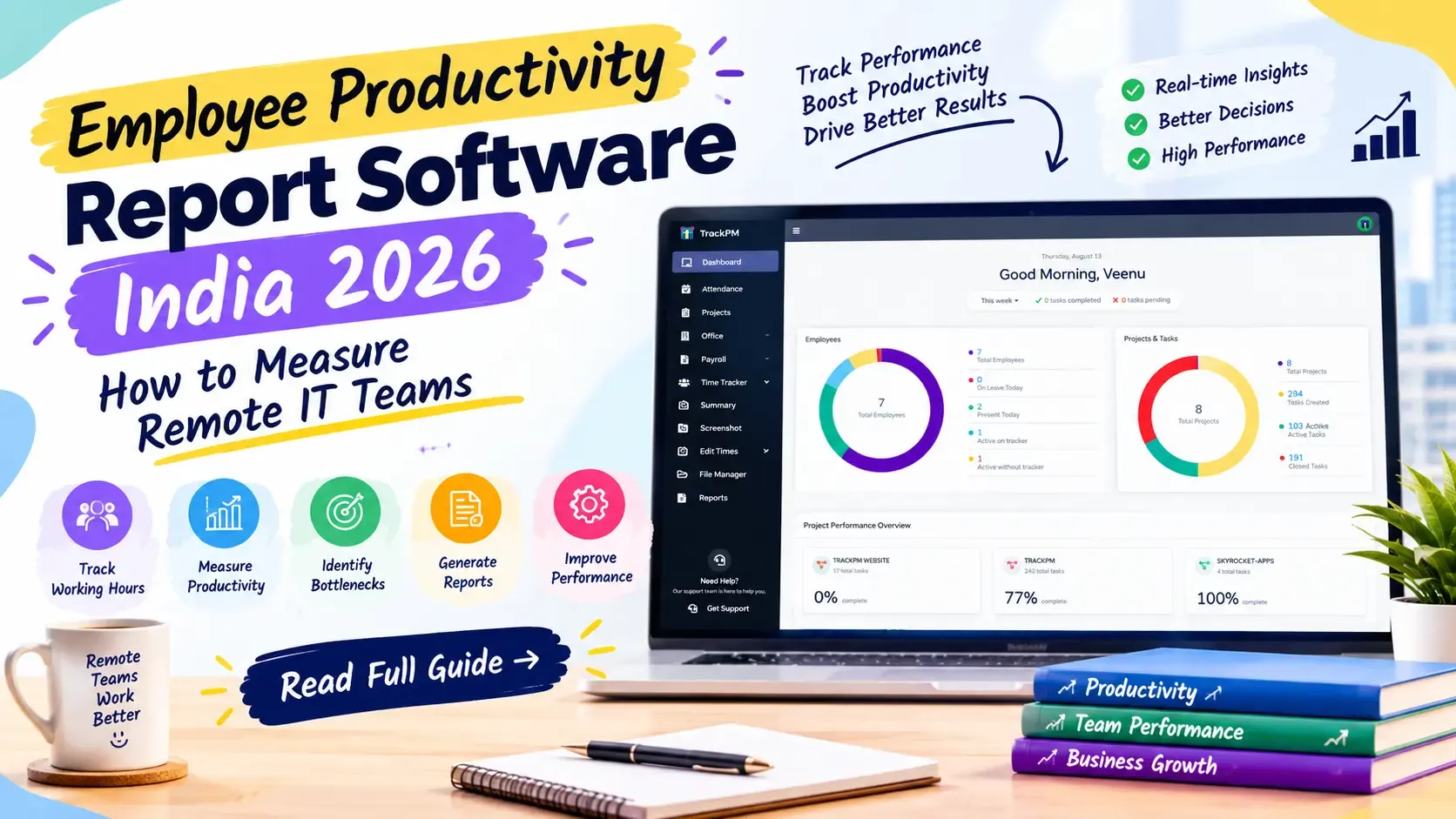
Screenshots are captured at configurable intervals during designated working hours only — not outside those hours, not during approved leave. Each screenshot is tagged with the active task from the employee's current Kanban or Scrum card, so managers see the screenshot in the context of the project work it is part of.
Employees have a personal dashboard where they can see every screenshot taken of their own screen — full transparency, no surprise. Idle time is automatically detected and excluded from productive hours. Managers see an active time summary per employee per day, broken down by task, with screenshots accessible for any period where there is a question.
The data is stored on AWS infrastructure with encryption in transit and at rest. Retention periods are configurable. Access is role-based — project managers see their team, not the whole organisation.
For Indian IT companies managing remote teams across Bengaluru, Pune, Hyderabad, Delhi, and Chennai: TrackPM's screenshot monitoring provides the visibility needed for client billing accuracy and team productivity management, within the legal framework that DPDPA 2023 requires.
Frequently Asked Questions
Is screenshot monitoring software legal for Indian companies in 2026?
Yes, screenshot monitoring is legal in India when deployed correctly. Under the Digital Personal Data Protection Act 2023, employees must be clearly informed about what data is collected, for what purpose, and for how long it is retained. Monitoring must be limited to stated working hours and the purpose must be legitimate (productivity measurement, client billing, security). Covert monitoring without employee knowledge is not compliant with DPDPA. When deployed with full employee transparency and within stated working hours, screenshot monitoring is both legal and widely accepted in Indian IT companies.
What are the best screenshot monitoring software options for Indian IT companies in 2026?
For Indian IT teams needing screenshot monitoring integrated with time tracking, project management, and payroll at INR pricing, TrackPM provides the most integrated India-built option. For screenshot monitoring only with a mature feature set, Hubstaff and Time Doctor are well-established but priced in USD with no native Indian payroll integration. For enterprise teams with large budgets and dedicated IT administrators, Teramind offers the most comprehensive employee monitoring capabilities. Most Indian IT SMBs are best served by an India-built integrated platform.
How often should screenshots be captured for remote team monitoring?
The appropriate capture interval depends on the purpose. For client billing verification where exact hour logs are required, 5-minute intervals provide sufficient documentation. For general remote work productivity visibility, 10-minute intervals are typically sufficient and create less data storage overhead. For security monitoring in sensitive environments, 2–3 minute intervals may be appropriate. The interval should be disclosed to employees as part of the monitoring policy. Most Indian IT teams find 10-minute intervals acceptable and sufficient.
Can employees see the screenshots taken of their own screens?
In most India-built tools including TrackPM, yes — employees have a personal dashboard where they can see every screenshot taken of their own screen. This employee-visible monitoring is both a DPDPA compliance feature and a trust-building measure. Western tools like Hubstaff also provide employee-facing screenshot access in their paid tiers. Employee access to their own monitoring data is increasingly considered standard practice in Indian IT companies, as it removes the covert monitoring perception that creates team trust issues.
How does screenshot monitoring connect to payroll in Indian IT companies?
In an integrated system like TrackPM, screenshot monitoring data connects to payroll in three ways: active time logs (after idle time exclusion) contribute to the attendance record for LOP calculation; task-level time logs create the billable hours data for client invoicing; and any discrepancies between contracted hours and actual active time are flagged before payroll runs, giving managers the opportunity to clarify before deductions are processed. In non-integrated systems (Hubstaff + Keka separately), this connection requires a manual monthly export and reconciliation step.
Conclusion
Get remote team visibility with screenshot monitoring your employees can see and trust.
Start Free Trial — No Credit Card Required · See TrackPM's Time Tracking with Screenshots